Review, merge, and stay on top of GitLab from your phone
GitBear is an Android client for GitLab. Work through your to-dos, read the diff, approve and merge merge requests, and follow issues — on gitlab.com or your own self-managed instance.
What GitBear does
Everything you need to keep a code review moving while you are away from your desk.
Your day, at a glance
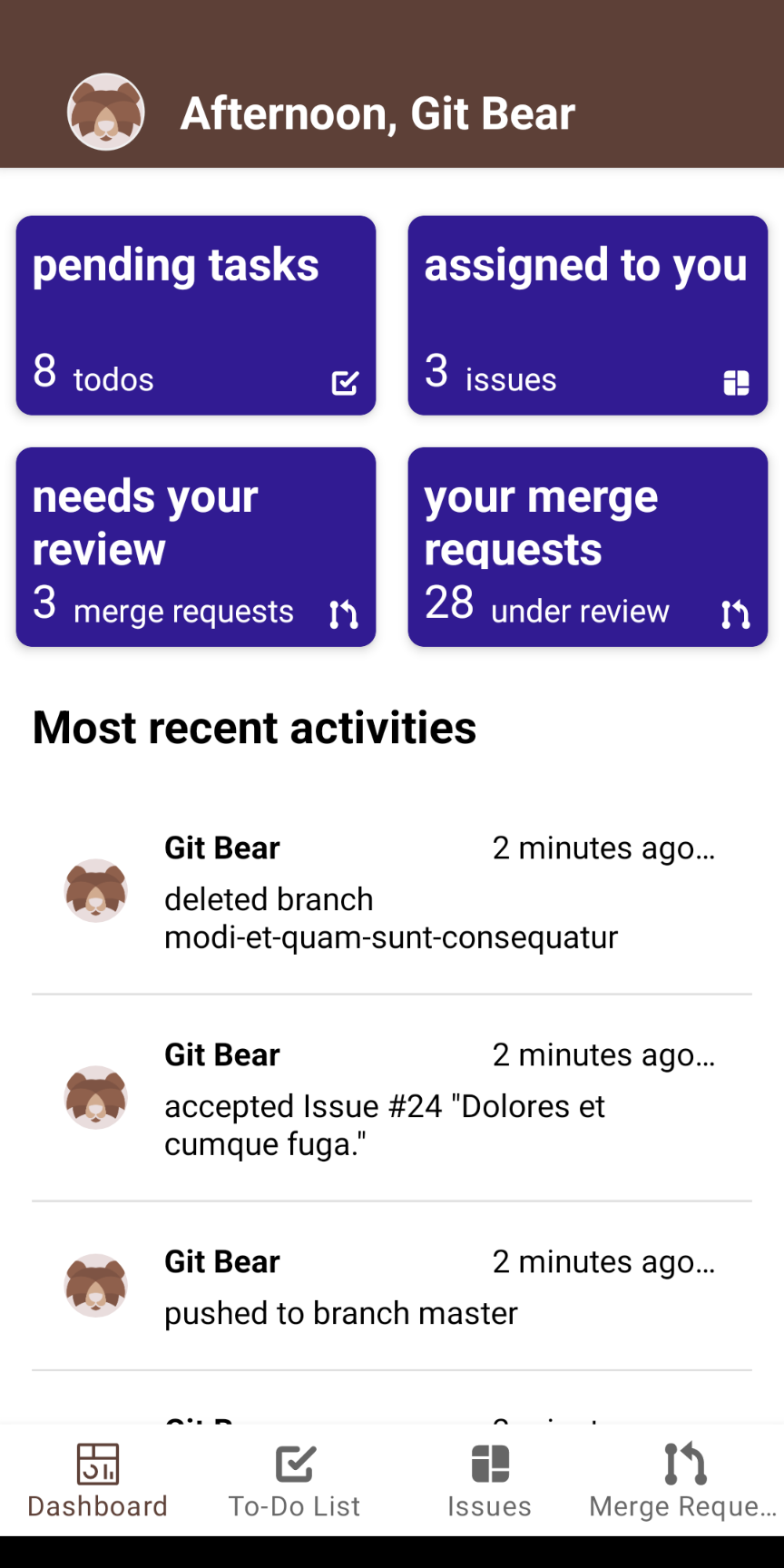
The dashboard opens on what needs you: pending to-dos, issues assigned to you, merge requests waiting on your review, and your own merge requests still under review.
Review and merge
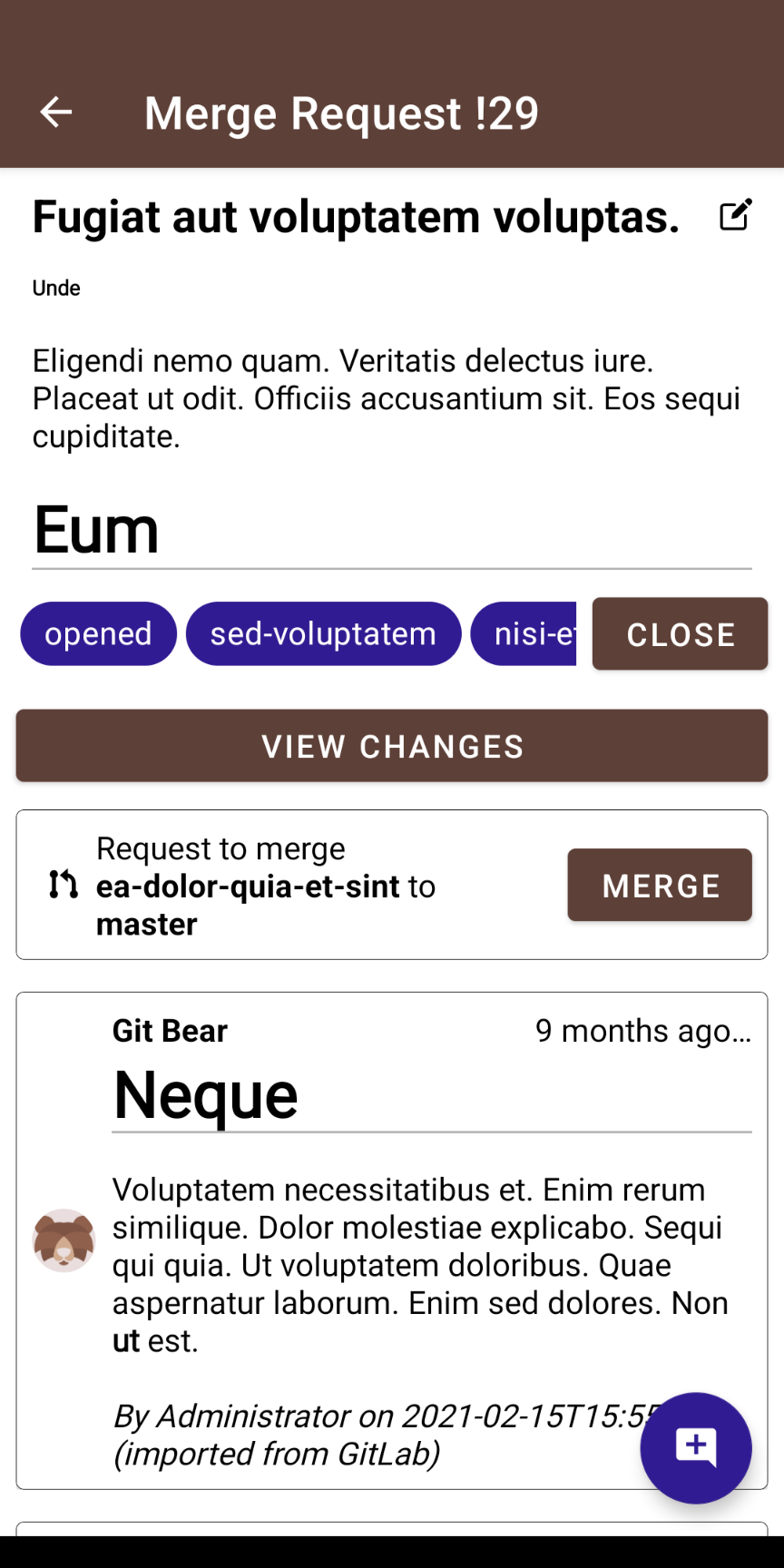
Approve or revoke your approval, leave a comment, and merge when it is ready. When merging is blocked, GitBear tells you exactly why — missing approvals, a running pipeline, unresolved threads, or conflicts.
See the changes
Read the actual diff before you approve. The built-in viewer shows added and removed lines file by file, without leaving the app.
Issues and discussion
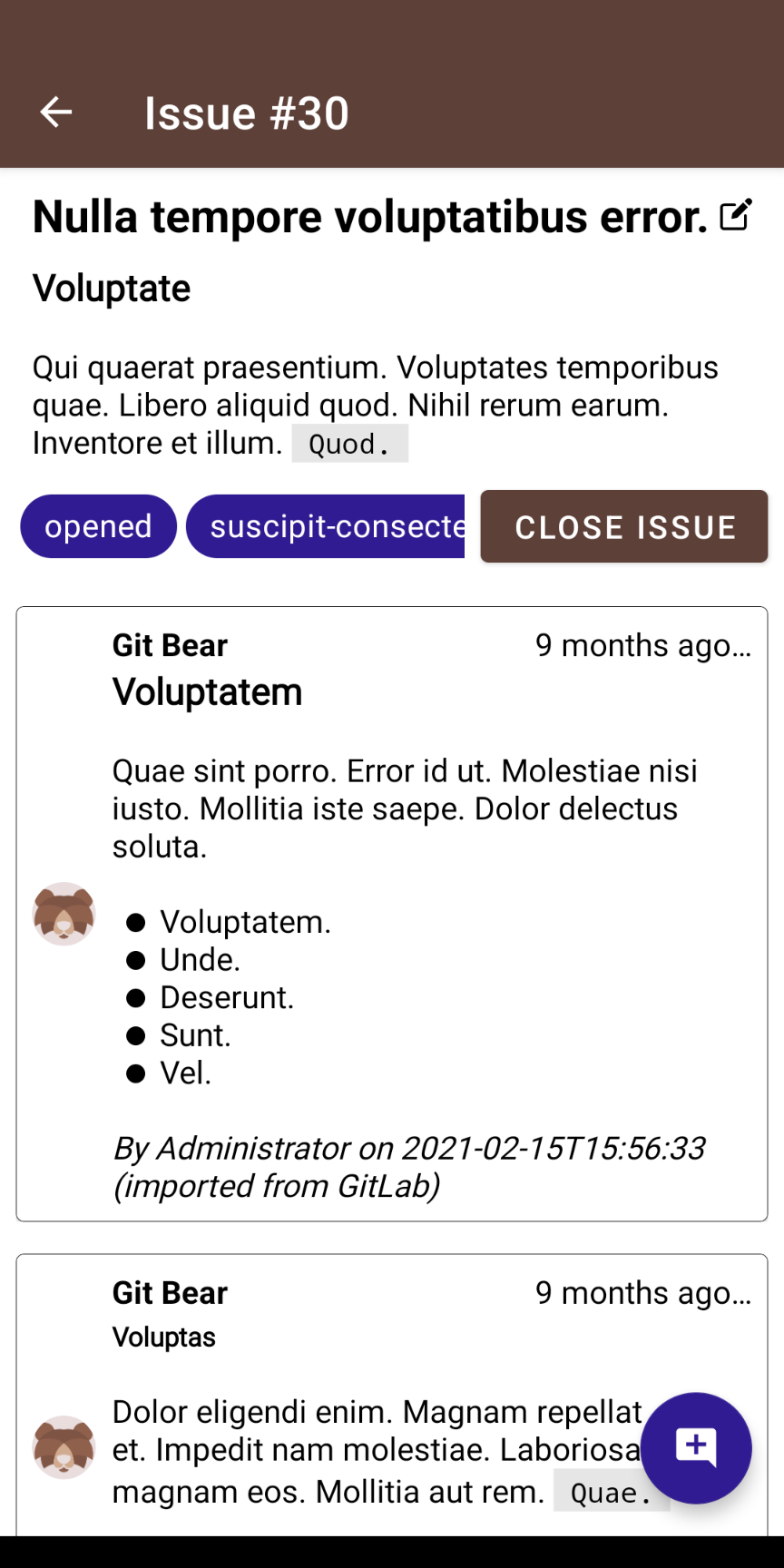
Browse and filter issues, add a comment, edit the title, and close or reopen them. Every thread stays readable on a phone screen.
To-dos, swipe to clear
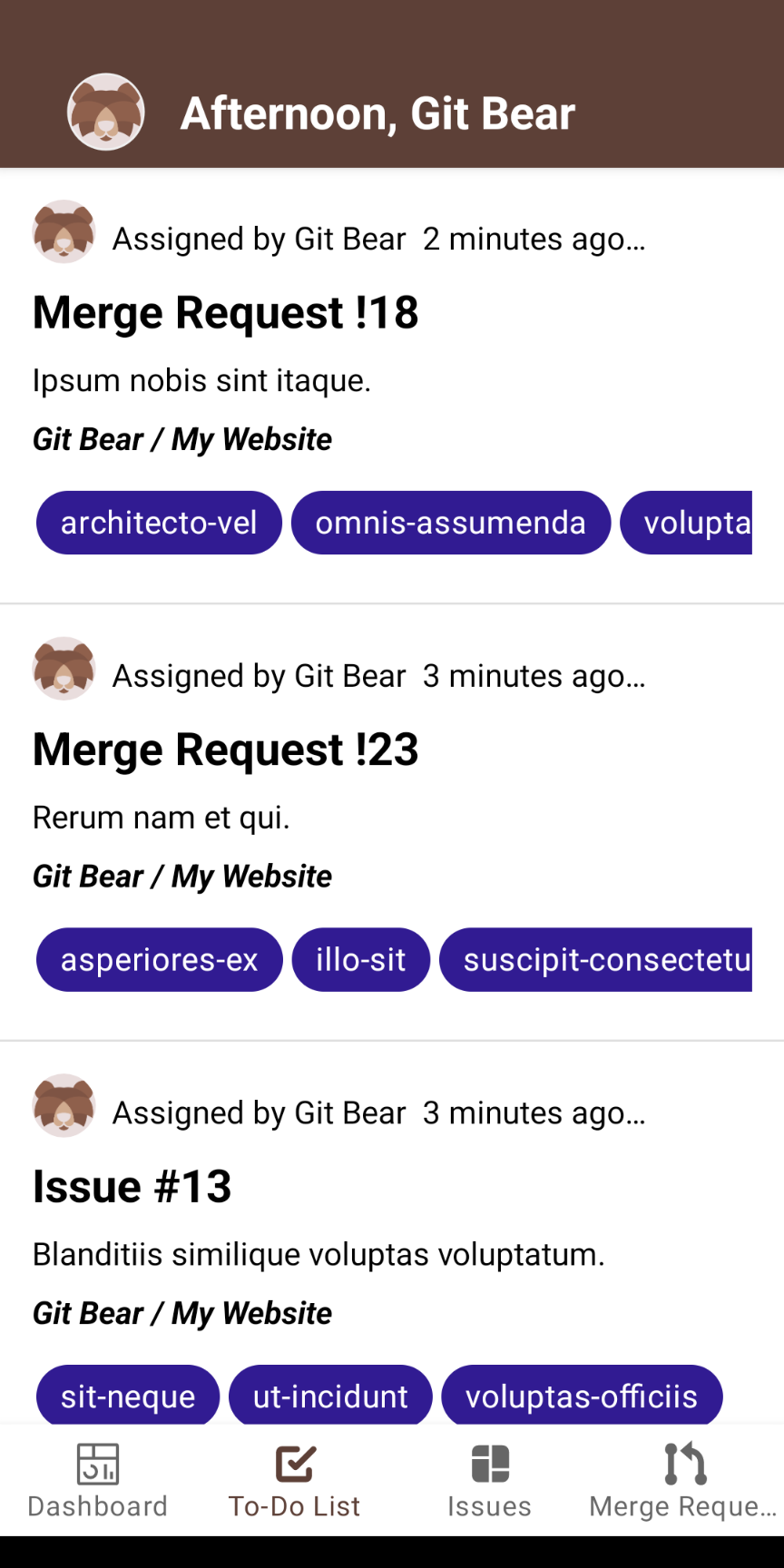
Your GitLab to-do list, in one scrollable place. Swipe right to mark a to-do as done and it is gone from your queue.
Any GitLab, any account
Sign in to gitlab.com with OAuth, or use a personal access token for a self-managed instance served over HTTPS. Switch between accounts whenever you need to.
A look inside
Built for one-handed use, with a light and a dark theme that follow your system setting.
Get GitBear
Free on Google Play. Sign in with your GitLab account and you are ready to review.